automation
AI for Small Business Basics: Start Simple, Stay in Control
You don't need a stack of AI tools to get value from AI. Here's a plain-English starter map: four jobs AI handles well, what to hold off on, and a simple setup that keeps you in charge.
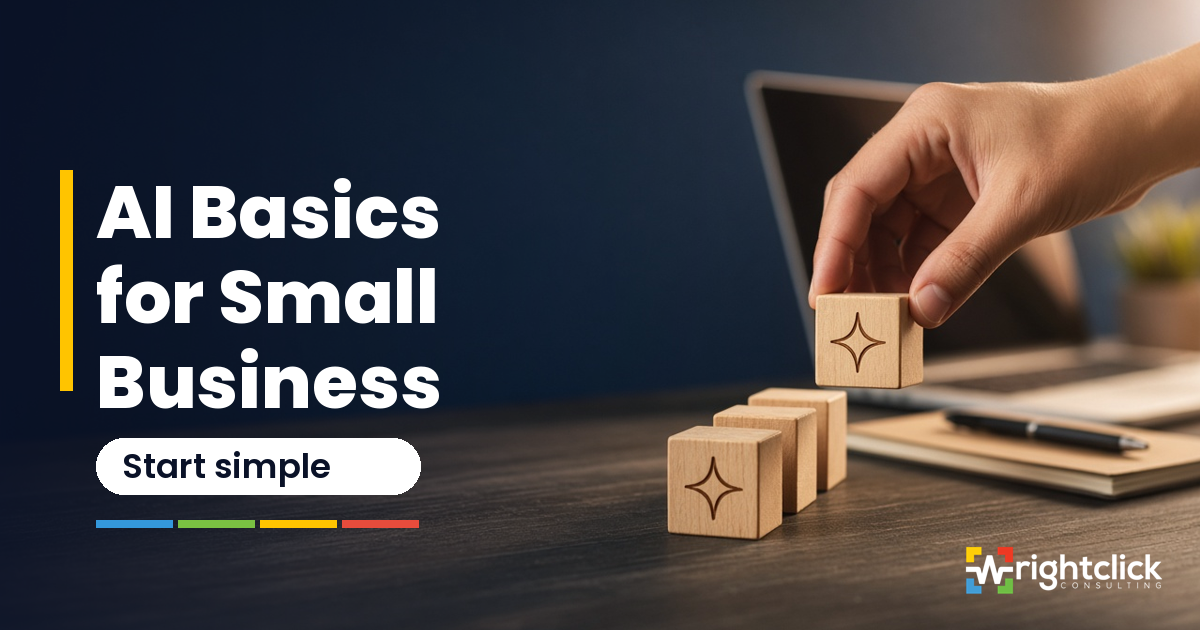
If you run a small business, you've probably been told you need AI. Maybe a vendor added an "AI" button to software you already pay for. Maybe a friend swears by a tool you've never heard of. Maybe you've opened a chat window, typed a question, got a decent answer, and then wondered what you're actually supposed to do with it on a Tuesday.
Here's the short version: you don't need ten tools, and you don't need to hand your business over to a robot. Day one with AI isn't a tour of every app on the market. It's a small foundation, one assistant used for a few repeatable jobs, with a person checking the work before anything reaches a client.
This post walks through what "AI basics" means for a small service business, four jobs AI is genuinely good at, what we'd hold off on for now, and a simple starter setup you can put in place this month.
What "basics" means here: assist, don't autopilot
Most of the trouble small businesses run into with AI comes from one mistake: letting it act on its own too early.
AI writing tools are very good at producing a first draft quickly. They're not good at knowing your prices, your client history, the promise you made on the phone last week, or the tone a long-time customer expects. They can sound confident and still be wrong.
So the rule we use with clients is simple: AI assists, people decide. AI gets you from a blank page to most of the way there. A person on your team reads it, fixes it, and owns what goes out. That's especially true for anything client-facing: emails, quotes, proposals, portal messages, and anything with your name on it.
That one rule removes most of the risk and keeps most of the time savings.
Four practical jobs AI handles well
If you're starting from zero, these four are where most owners get value quickly. None of them need special software beyond a reputable AI writing assistant.
1. Drafting (with a human edit)
This is the easiest win. Use AI to write the first version of things you write over and over:
- A reply to a common customer question
- A follow-up email after a meeting
- A first pass at a standard operating procedure (SOP)
- The outline of a proposal or a service description
Give it context: who the reader is, what you want them to do, and a few bullet points of the facts. Then edit. Cut anything that sounds like a brochure, check every fact, and make sure it sounds like you. If a sentence makes you cringe, it will make your client cringe too.
2. Summarizing
Long email threads, meeting notes, a 20-page document from a supplier: AI is good at turning these into a short list of decisions, open questions, and next steps.
This is useful when you're catching up after a few days away, or when you need to hand a project to a teammate without forwarding 40 emails. Just remember a summary can miss things. If a decision matters (money, deadlines, commitments), go back to the original and confirm it.
3. Checklists and process clarity
A lot of small businesses run on knowledge that lives in one person's head. AI is a good thinking partner for getting it out.
Try describing how you onboard a new client, in your own words, messy and out of order. Then ask the assistant to turn it into a numbered checklist and point out steps that seem to be missing. You'll usually get a clean draft and a few useful questions, like "Who sends the welcome email?" or "When does the invoice go out?"
That checklist is valuable on its own. It's also the groundwork for automation later, because you can't automate a process nobody has written down.
4. Light research and comparison (verify before you act)
AI can help you get oriented quickly: explaining an unfamiliar term, comparing two approaches, or listing questions to ask before you choose a new tool.
Treat this as a starting point, not a final answer. AI tools can be out of date, and sometimes they make things up in a very convincing way. Before you act on anything (buying software, changing a policy, quoting a client), check it against the original source: the vendor's own documentation, your accountant, or the actual contract.
What to hold off on for now
These aren't "never." They're "not yet, and not without guardrails." Each one is a common way for a small business to create a mess faster.
Fully automated client emails from your CRM. It's tempting to connect AI to your CRM and let it write and send follow-ups on its own. The risk is a message going to the wrong person, with the wrong details, in a tone you'd never use, and you won't know until a client replies confused or annoyed. Keep a review step in place. Approve before it sends.
Letting AI come up with prices, discounts, or promises. AI doesn't know your margins or what you've agreed with a client. If it drafts a quote or a proposal, every number and commitment should come from you, not from the assistant. A made-up discount in a proposal is still a promise once it's sent.
Legal, tax, or compliance answers you haven't verified. AI can help you understand a topic well enough to ask better questions. It's not a lawyer or an accountant, and it doesn't know the specifics of your situation or local rules. Use it to prepare for the conversation with your professional, not to replace it.
Pasting client personal information into public AI tools. Names, addresses, health details, financial details, login information: don't paste these into a general-purpose AI tool unless you've checked how that tool handles and stores your data, and your clients would be comfortable with it. When you need help with a client-specific document, remove or replace identifying details first. If you're not sure what a tool does with your data, assume it isn't private.
A simple starter setup
You don't need a complicated "AI stack." For most small service businesses, three pieces are enough to start.
1. One writing assistant. Pick one reputable AI assistant and use it consistently for a month. Learning one tool well beats dabbling in five. Check its data and privacy settings before you start, and set it up under a business account if that option exists.
2. One home for your real information. Your client records, files, and approved templates should live in one place you control, whether that's a client portal like SuiteDash, a shared drive, or both. This is your system of record: the source of truth. AI drafts get pulled from it and saved back to it once a person has approved them. If your information is scattered across inboxes and desktops, fix that first. AI built on messy data gives you messy results, faster.
3. A human review gate. Decide who checks AI-assisted work before it goes out, and what they check for. It can be as simple as:
- Are the facts, names, dates, and numbers correct?
- Does it sound like us?
- Is anything promised that we haven't agreed to?
- Is any private information included that shouldn't be?
Write those four questions down and keep them where your team drafts. That's your quality control.
Once this is working (a few weeks of consistent use, a written checklist, and a clear review step), you'll have a much better sense of which tasks are worth automating further, and you'll be building on a clean foundation instead of on guesswork.
Where to start this week
If you want one practical next step, try this:
- Pick the email or document your team writes most often.
- Use your AI assistant to draft it three times this week, each time with a human edit.
- Note what you had to fix every time. That list tells you what context to give the assistant next time, and what should never go out without a review.
That's it. Small, repeatable, and in your control.
AI works best in a small business when it supports a process that's already clear. If you'd like help figuring out where AI and automation fit in your setup (what to clean up first, what to leave alone, and what's worth automating), start with our free assessment at wrightclick.it/#assessment. It's a short form, with no portal login and no commitment, and we reply with a clear next step.