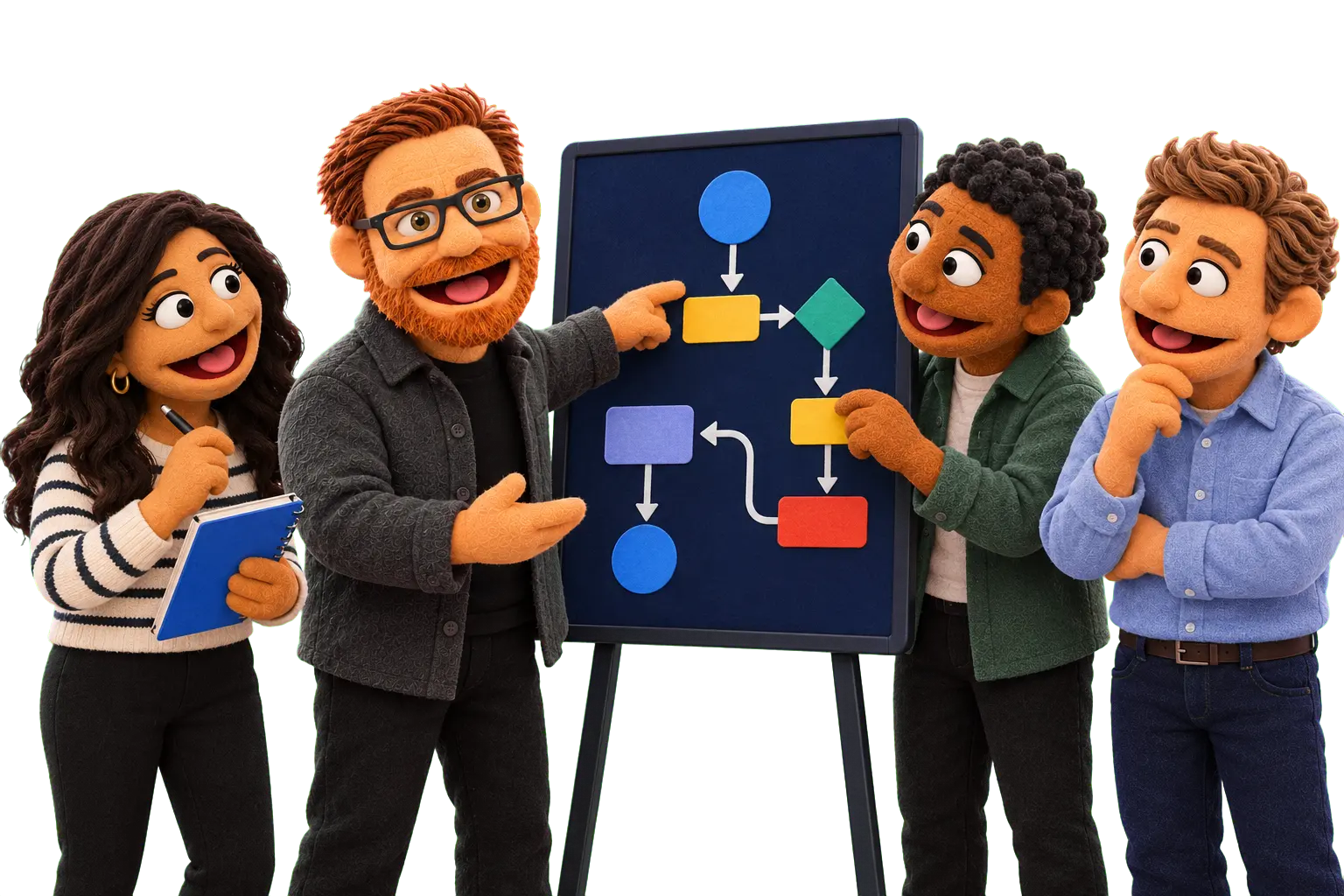
Map the process
How work should move end-to-end for clients and the team — not every SuiteDash feature turned on.

Our Process · 03
Blueprint turns Onboard readiness into architecture, a workflow plan, and a Build roadmap before configuration spend. No two plans are the same, so pricing is set after your free assessment.
Priced after assessment
What happens
A plan you can say yes or no to — before implementation spend.
How work should move end-to-end for clients and the team — not every SuiteDash feature turned on.
Features, roles, data, and automations that support the workflow. SuiteDash is the usual canvas; the same discipline applies across doors.
CRM, forms, projects, billing, files, and integrations — what belongs together, and what stays out.
What to implement first inside the Standard Build quantities — and what we deliberately defer.
Design stage
A design stage: the plan, not the configuration.
How work should move end-to-end — clients, handoffs, and the team path.
SuiteDash and other system pieces structured for how you actually operate.
Triggers, actions, conditions, and handoffs — only where they earn their keep.
What Build needs so configuration is not a guessing game.
A written roadmap you can approve, share, or take in-house.
The design is yours to use whether or not WrightClick does the Build.
Scope
SuiteDash is the usual canvas. The same map applies when the work spans other WrightClick doors.
First contact through delivery and follow-up.
Companies, contacts, and stages that match how you sell.
What you collect, from whom, and where it lands.
How delivery work is tracked after a yes.
Repeatable steps, conditions, and handoffs.
What clients and staff see — one happy path.
Invoices, proposals, and files tied to the next step.
What must connect, and what should stay alone.
What to implement first, and what can wait.
How we work
Review readiness, map the work, design the system, then write what Build should implement.
Start from Onboard readiness: access, users, current tools, and constraints.
Draw how work actually moves — and where it should.
Architecture, roles, data, and automations that support the map.
Decide what belongs in Build, what waits, and what we skip.
A written plan you can approve before configuration spend.
The ladder
Onboard gathers the truth. Blueprint decides how it should work. Build makes the approved plan real.
What are we working with?
Access, assets, users, and the current system — so design starts from reality.
How should it work?
Architecture, workflows, and a Build roadmap you can approve.
How do we make it real?
Implements the approved Blueprint: configure, automate, test, and launch.
Boundaries
Details
Blueprint uses what Onboard collected. Skipping readiness usually means redesign mid-build — we keep those stages separate on purpose.
Blueprint is the bridge to Build. Next is Build, which implements the approved Blueprint, not open-ended configuration.
Still early? Start at Free Assessment.
WrightClick path
Standard engagement ladder for SuiteDash work and other WrightClick doors. You are on Blueprint.
Map your goals, current tools, and where WrightClick fits before you commit.
View Free Assessment →FAQ
Configuration without a map is how teams rebuild mid-project. Blueprint turns Onboard readiness into architecture, workflow, and a Build list you can approve — so implementation spend starts from a plan, not a guess. Plan content depends on the door (SuiteDash, IT/cyber, web, or a mix).
Blueprint is priced for your project after a free assessment, and it isn't a down payment on Build. Mapping, architecture, automation planning, and a written roadmap take real time, and how much depends on what needs designing. Pricing is confirmed in a proposal before work begins, so the plan isn't padded into a later implementation quote.
No. Blueprint is the plan. Build is a separate stage, priced on its own, that implements what you approved. You can stop after Blueprint.
A documented Blueprint: the workflow map, system architecture, automation plan, implementation requirements, and a prioritized Build roadmap. SuiteDash is the usual canvas; the same deliverable applies when the work spans other doors.
Yes. Build is priced separately, after Blueprint shows what needs to be built. Blueprint decides what goes into Build and what waits. Extras are a change order or a later phase.
No. Blueprint is a standalone design engagement. You can take the document to your team, another implementer, or continue with WrightClick Build. The design is yours either way.