
Reminders and follow-ups sent
Intake logged, approvals requested, reminders and handoffs sent, without anyone babysitting a spreadsheet.

Follow-ups sent, intake sorted, handoffs passed on and reports pulled together, without someone doing it by hand. We design and build the workflows behind it. Process first. No feature theatre.
What you get
Repeat work gets done without anyone chasing it. We use the tools you already have and leave the rest alone.
Intake logged, approvals requested, reminders and handoffs sent, without anyone babysitting a spreadsheet.
Enquiries sorted, first-draft replies written and portal questions answered, with a person owning what matters and clear failure paths.
Client details move between SuiteDash, email, calendars, CRMs and billing, so nobody retypes them.
Documented, so your team knows what runs, who owns it and what to do if it stops, long after launch.
Who it is for
Operators, agencies, and growing service businesses that already know where time leaks — and want systems that close those loops without hiring another full-time coordinator.
If you have tried "AI tools" that never left a pilot tab, we start from the process: what should happen, who owns it, then which automation or AI agent actually helps.
An AI agent here takes real steps on your behalf: it sorts new enquiries, writes first-draft replies, looks things up in SuiteDash or your helpdesk, and sums up threads, then hands off to a person when judgment matters. We design guardrails, logging and failure behaviour so it stays maintainable, not a mystery bot.
What matters is the work getting done, not which tool does it. That might be SuiteDash automation, a Zapier or Make connector, or an AI agent. We pick what fits and leave the rest alone.
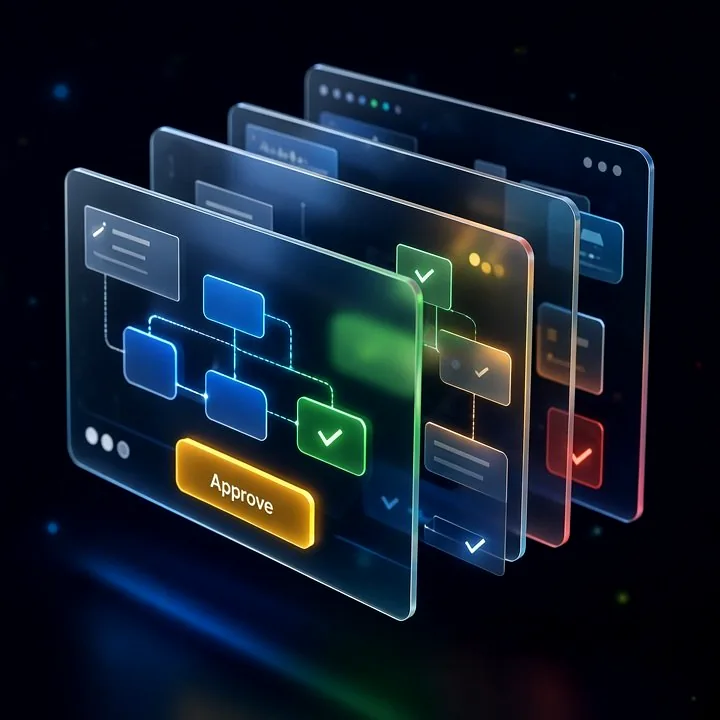
How AI projects run
Same WrightClick ladder: Free Assessment, Onboard, Blueprint, then a Build of the work you want handled. Every business is different, so pricing is set after your free assessment.
Map your goals, current tools, and where WrightClick fits before you commit.
View Free Assessment →FAQ
Scoped assistants that run parts of a workflow — triage, drafts, lookups, handoffs — with human oversight and clear failure paths. Not an unsupervised black box.
Usually no. Most value comes from wiring proven models and tools into your workflows with clear guardrails — not inventing a model from scratch.
No. The goal is fewer repetitive steps so people can do higher-value work. We design for human oversight where judgment matters.
SuiteDash, Microsoft 365, Google Workspace, common CRMs, Zapier/Make-style connectors, and custom API work when needed. We pick what fits your stack.
Free Assessment. We map the busywork, pick one or two high-leverage flows, then Onboard and Blueprint before any build.
AI and automation pricing is built for your business after a free assessment, because no two teams hand off the same work. We look at what your team does by hand, pick one or two jobs to take off their plate, then Onboard and Blueprint before any build. You pay for the work getting done, not software licences. Scope and fees are confirmed in a proposal before paid work begins.
Start with one repetitive task, like drafting replies, summarizing calls or sorting intake forms, and keep a person approving the output. Set rules first: what data the AI can see, what it can send, and who checks it. Starting small shows real time savings without putting client data or your reputation at risk.
The best first automations are frequent, rule-based and annoying: client onboarding steps, intake forms into your CRM, invoice reminders, appointment follow-ups and status updates. If your team does it the same way every week, it's a good candidate. Clean up the process before automating it, or you just get a faster mess.
It can be, if you control what each tool can do. Give read-only access where possible, don't let AI send money or delete records without a person's approval, and use logins you can revoke. Review which AI apps already have access to your Microsoft 365 or Google Workspace, since many get connected without anyone noticing.
A regular automation follows fixed steps, like "when a form comes in, create a contact." An AI agent can read context and choose its next step, like drafting a tailored reply. Agents handle messier work but need tighter rules and human review. We usually combine both: automations for the predictable steps, agents for the judgment calls.
A simple automation, like routing form submissions into your CRM with a follow-up email, often takes days, not months. Larger workflows that touch several tools or need AI review take longer, mostly because of testing and cleaning up data. We start with one workflow, prove it works, then build from there.
Yes. SuiteDash can handle onboarding forms, contracts, invoices, portal access and task checklists in one place, so clients always know what's next. We set it up so each new client triggers the same steps automatically. That cuts the back-and-forth email and gives your team one clear view of where every client stands.
Yes, AI can make confident mistakes, which is why we design every workflow so a person reviews anything that goes to a client. We set limits on what the AI can do, log what it did, and make it stop and ask when it's unsure. That keeps the speed without handing over judgment.
In the free assessment, we look at what your team does by hand today and what could simply get done for you.